Chat on screen
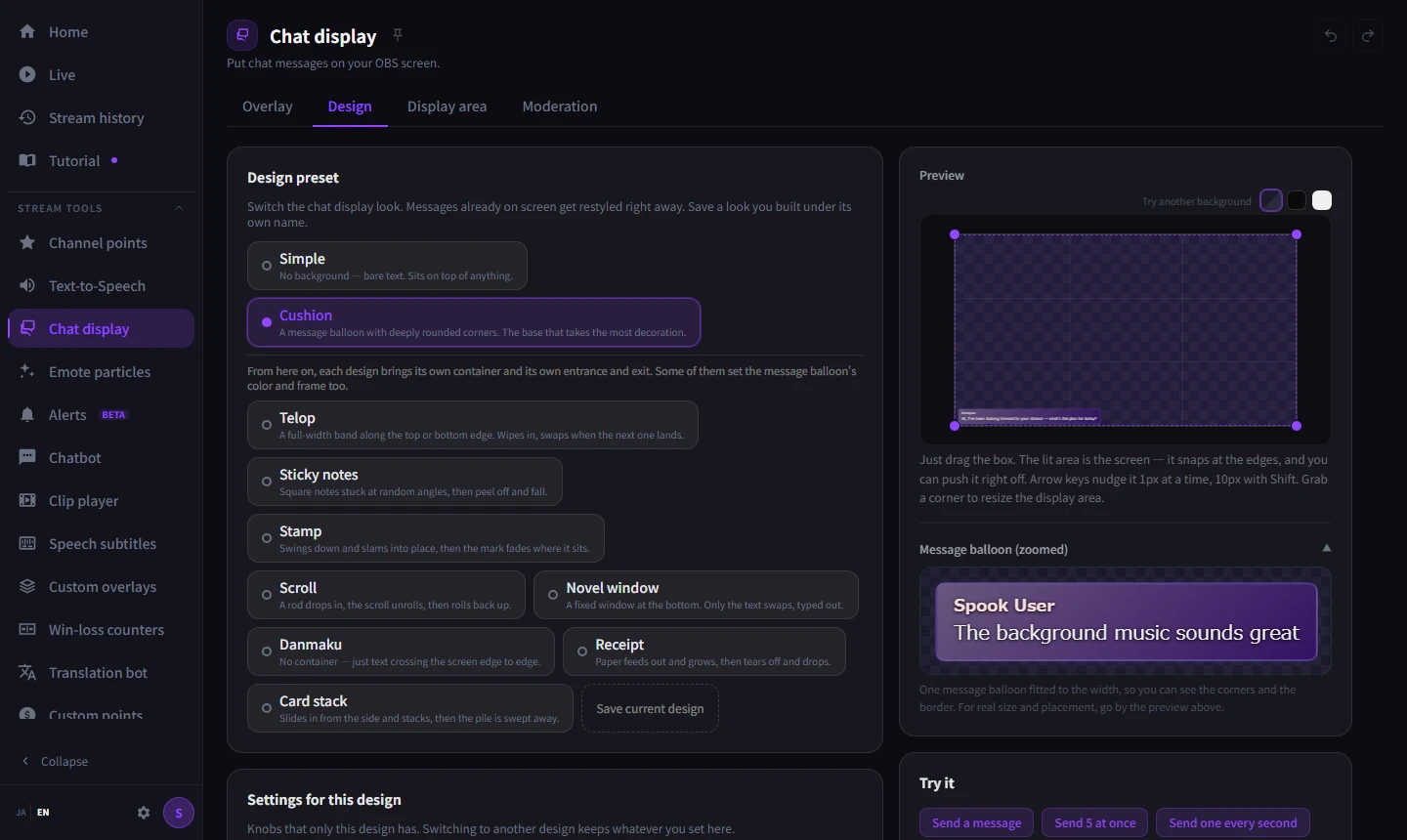
Put chat on your stream. Pick bubbles, a ticker or a barrage, and set the colour and size to match.
Chat on screen, text-to-speech, captions and overlays, all set up in StreamSpook. Getting them into OBS is one click.
While you're live it flags clipping, silence and connection trouble, and afterwards you can look straight back over the stream.
try hovering over it

Your stream right now
Late-night horror / first-timers welcome
Silent Ward · 1h 52m
+4 vs. your 7-day average · chat busy
Your stream looks good
Viewer and chat trends, with silence, ads, clipping and audio balance layered on top, in real time. You can see what's going on without stepping away from your stream.
01stream tools
No more launching a handful of programs and hopping between their settings every time you go live. Text-to-speech, what goes on screen, the records from the stream — they all live in the same place. Getting any of it into OBS is one click from the app.
One purchase, and everything in it today is included.
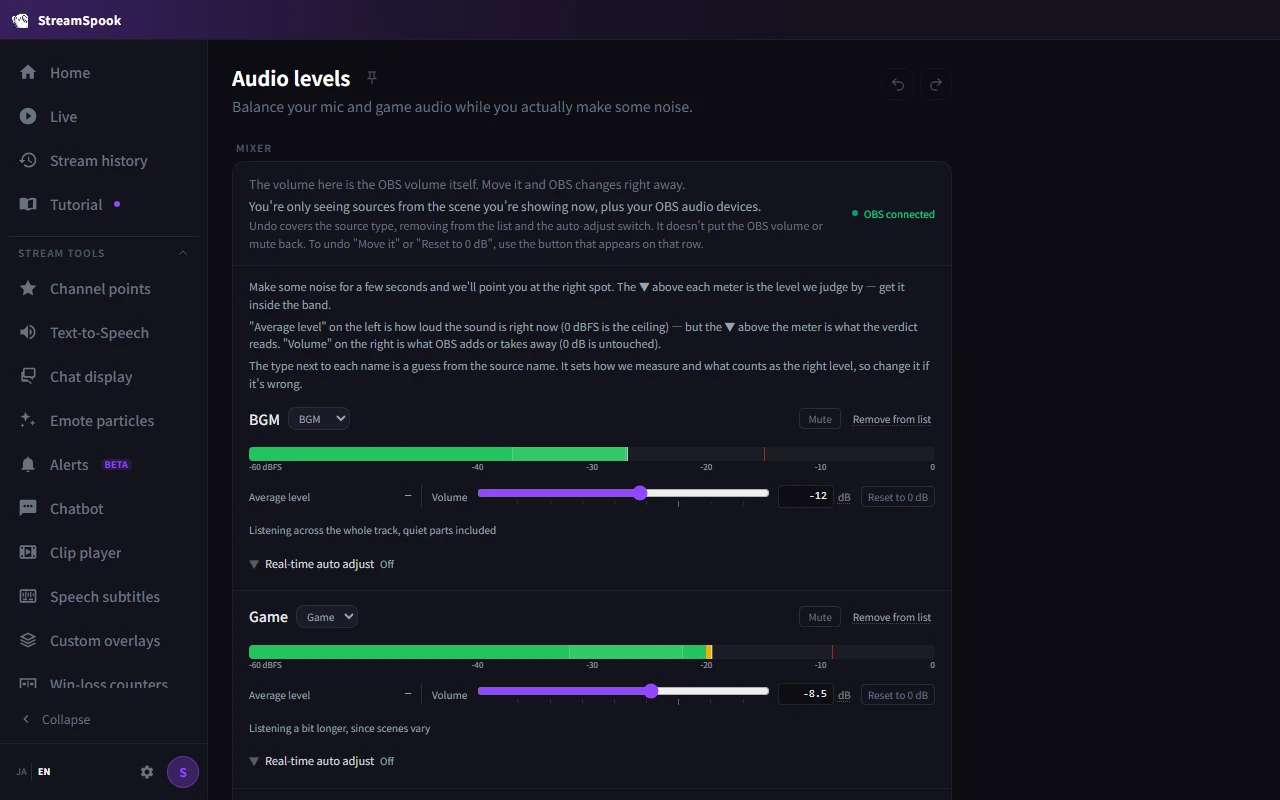
02alerts
A long stretch of silence. Your connection dropping, or CPU load climbing. Clipping. StreamSpook watches the things that are easy to miss mid-stream and tells you, with the cause and what to do about it. Audio balance gets measured for you, and fixing it is one click.
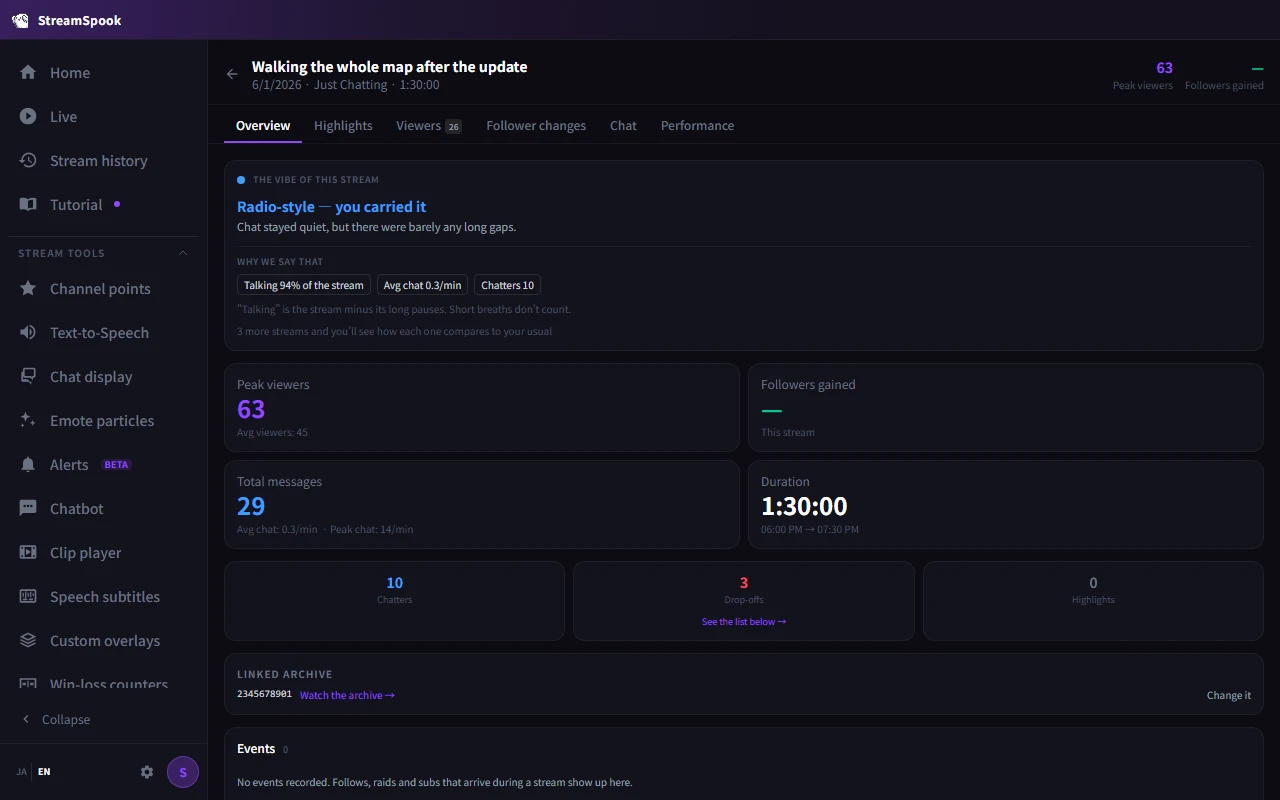
03records
Everything recorded while you were live is there to look back on. The moments viewers dropped off get found for you, with the VOD from that time one click away. Leave a note on someone who just followed, and it comes up when they show up again.
From the tools you use on stream, through checks while you're live, to looking back once it's over. Getting any of it into OBS is one click from the app.
Put chat on your stream. Pick bubbles, a ticker or a barrage, and set the colour and size to match.
Chat read out loud in a TTS voice, so you don't miss comments while you're locked into a game.
Comments in other languages get translated back into chat, and what you say turns into subtitles. Both run on your machine.
Emotes flying past, a sound or image on a channel point redeem, thanks for Bits and subs, a standby screen for when you step away.
Clipping, long silences, connection and CPU load, watched while you stream. Audio balance gets measured, and fixing it is one click.
Viewer and chat movement, and the moments people arrived or left, all there once the stream ends.
You don't need to know what the feature is called. Start from what you want to do, or from whatever's getting in your way.
A one-time purchase for Windows 10 / 11, priced at $14.99.
Your stream records and everything you learn about your viewers stay on your PC. StreamSpook doesn't send the data it collects anywhere without your consent, and doesn't use it for training. Translation and speech recognition both run on your machine, so there are no cloud API keys to bring. Only your app settings can sync through Steam Cloud on the Steam build, and that's yours to turn on or off.
What you need
| OS | Windows 10 / 11 |
|---|---|
| Streaming platform | Twitch (YouTube Live planned) |
| Streaming software | OBS Studio |
Only for some features
| Chat text-to-speech | VOICEVOX (separate install) |
|---|
A one-time purchase for Windows 10 / 11. Get it from the Steam store page.