Chat Display
Put comments on your stream. Layout, color and shape are all yours to change, so it matches the mood of your stream.
Chat on screen, read out loud, subtitled, with alerts. Audio levels, a live view while you stream, and a look back afterwards. Everything that is in StreamSpook, in one list.
See all the how-tosText-to-speech, translation, overlays. Everything around your stream screen is in here, and getting it into OBS is one click from the app.
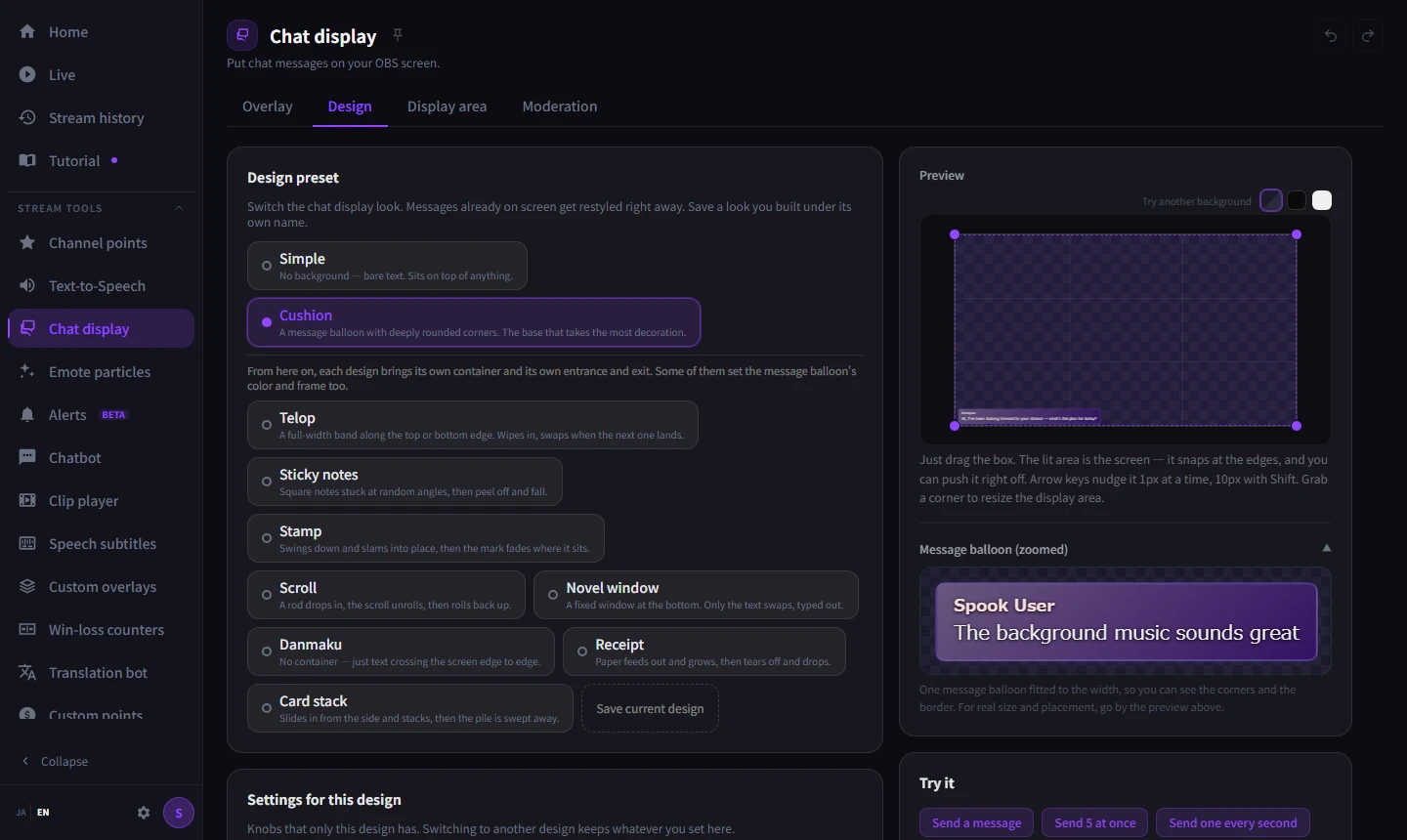
Put comments on your stream. Layout, color and shape are all yours to change, so it matches the mood of your stream.
Reads chat out loud in a synthesized voice, so you never miss a comment while you are locked into a game. First-time chatters can get their own sound.
Translates comments in other languages and posts them back to chat. Translation finishes on your machine, so there is no subscription and no character limit.
Turns what you say into subtitles as you talk. Put the translation on a second line and overseas viewers follow along too. Recognition finishes on your machine.
Emotes from chat fly around the screen. There is a mode where matching emotes grow when they collide.
Plays your own alert when someone redeems a reward. Random picks and animation are yours to set up.
Thank people for Bits and subs with an alert. It runs alongside the Twitch alerts, and you build them the same way as channel point alerts.
Plays the clips your viewers made, right then and there. Playing one is just pasting it in chat.
Build your standby screen and announcement banners inside StreamSpook. What you build goes straight into OBS.
Points of your own, separate from Twitch Channel Points. Hand them out for an event, or award them based on how much someone chats.
Posts recurring messages automatically. It waits for someone to chat before it starts counting, so it never talks to an empty room.
Opens Twitch polls and predictions from the app. Reuse the last one as it was.
Find somewhere to raid at the end of a stream. Suggestions come from people who raided you and from your regulars.
Audio is the hardest part, so the app measures it and helps. OBS and Twitch settings change without leaving the app.
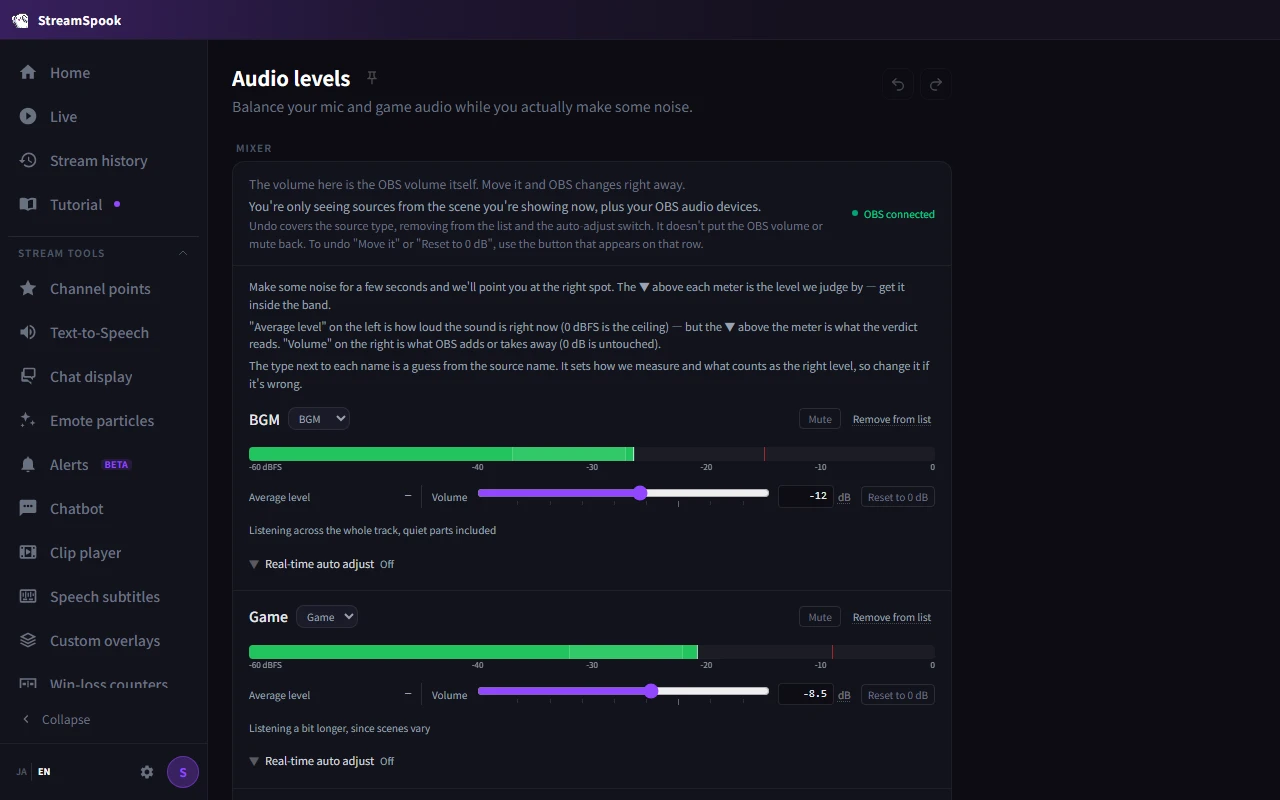
The app judges whether your voice is too quiet or your game is too loud, and fixing it is one click. It takes the genre of the game into account when it judges.
From noise suppression to the limiter, set up through a wizard that measures your actual voice.
Manage your Twitch schedule on a calendar. Lay your plan over what you actually streamed and see how close it came.
Switch follower-only chat or slow mode on the spot, even mid-stream.
Appoint and remove moderators and VIPs.
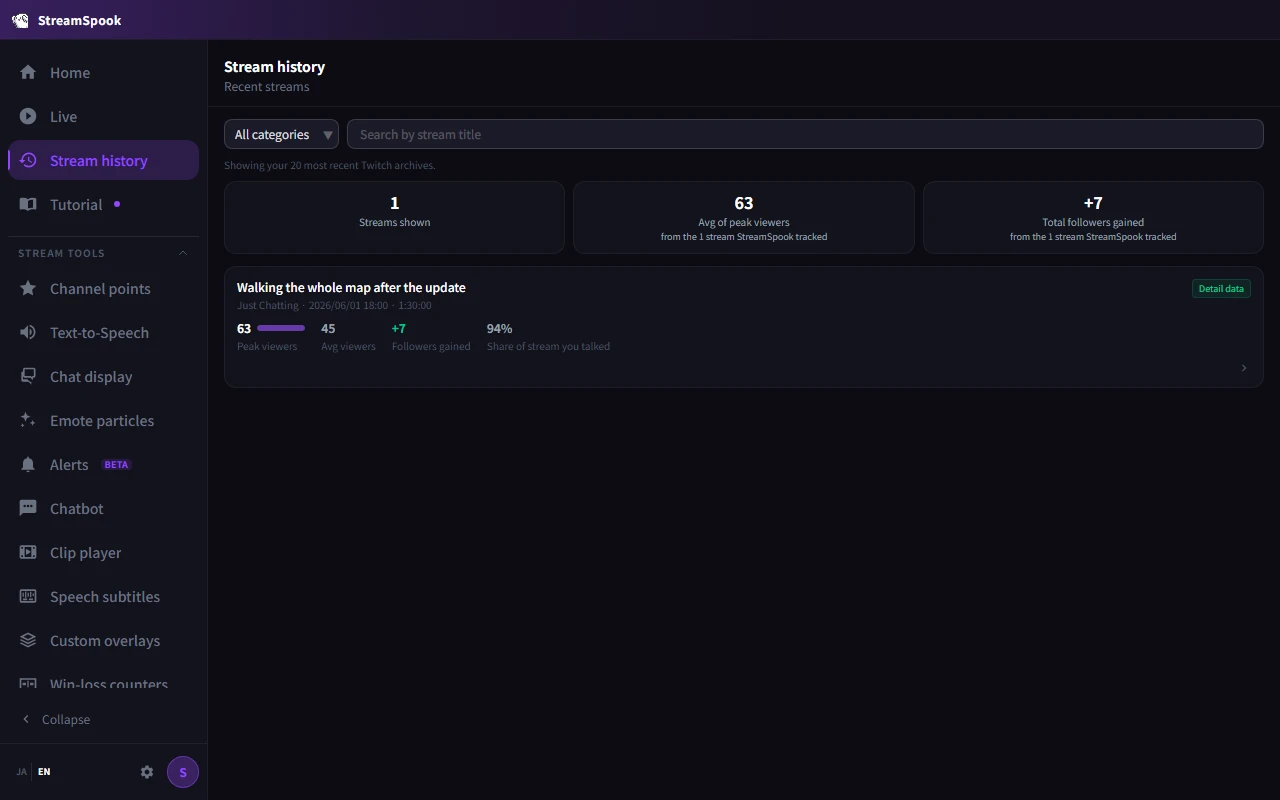
Your stream records save themselves while you stream, and you look back over all of them afterwards.
Viewer and chat trends, plus silence, ads and connection health, on one screen. You can tell what is happening while it is happening.
Finds the moments viewers dropped off, and takes you to the chat and the VOD from that point.
Twitch VODs and the records of the app in one list. Whether it was a stream where you kept talking is there to look back on too.
Leave a quick note on someone who just followed, from the home screen of the app. Next time you spot them, you have somewhere to start.
Day-by-hour heatmaps and return rates. Less about whether people showed up once, more about whether the same people came back.
One page for a regular: when they turn up, what they say. Add a note and the app tells you the next time they are in.
No features matched that.
A one-time purchase for Windows 10 / 11. Get it from the Steam store page.